Topic(s): TroubleshootingConnectivity
Syncing the Rain Bird App and the WiFi Controller Panel
Your WiFi controller and the Rain Bird app synchronize automatically when your mobile device connects to the controller, and then when changes are made in the app and the “Done” button is selected. There are no additional steps required to synchronize the two.
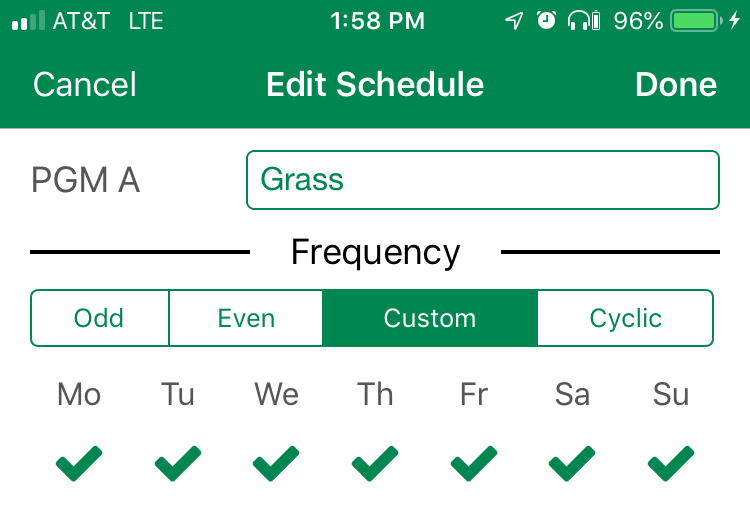
It is important to remember to press “Done” when making any schedule changes or the changes will not be saved in the controller.

Do you have suggestions to make this article more helpful?
You must be logged in to post a comment.